Skip to content

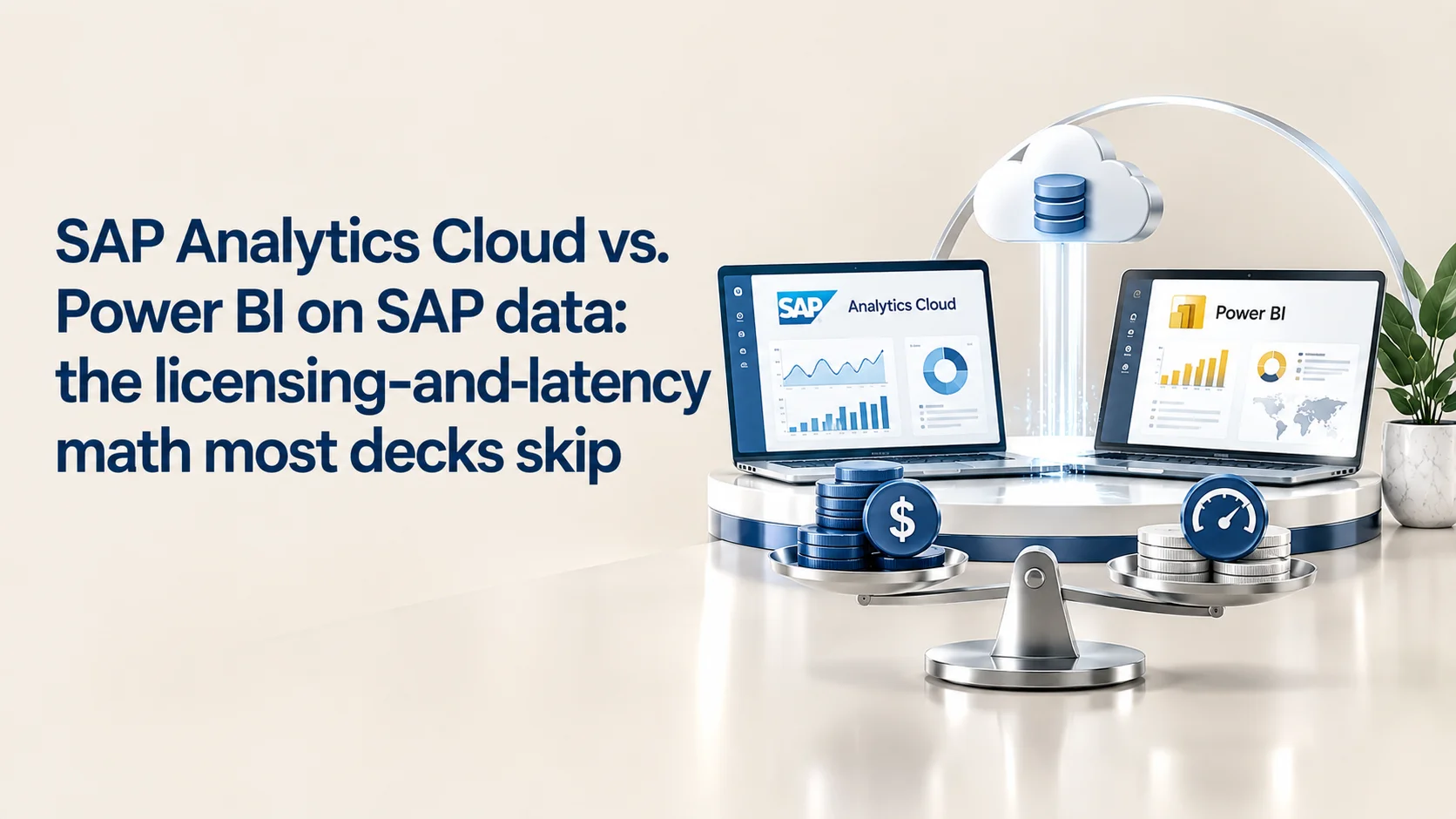
Every SAP BI bake-off ends the same way — a feature matrix, a “Gartner says,” and a recommendation that ignores the two variables that actually decide whether the rollout survives contact with 3,000 users: what it costs when a non-SAP tool reads SAP data, and how long people will wait for a chart to render. Get either wrong and the tool you picked stops mattering.

Most comparisons of SAP Analytics Cloud (SAC) and Power BI on SAP data are written by people who have never had to defend a Digital Access true-up to a CFO or watch a BW query time out live in a steering committee. The real decision is not “which tool has better visuals.” It is a joint function of per-user licensing economics, connectivity architecture, and a latency threshold most implementation decks never quantify. Get specific about all three and the “it depends” collapses into a genuinely clear set of rules.

The list-price gap is smaller than it looks

On sticker price, SAC for Business Intelligence lists at roughly $24 per user per month, while Power BI Pro sits at $14 after Microsoft’s 1 April 2025 increase from $10 — its first price change in nearly a decade. Power BI Premium Per User (PPU) rose in parallel to $24, landing at parity with SAC BI.

That gap between SAC and Power BI Pro looks decisive until Microsoft Fabric enters. Once an organisation needs Fabric for serious SAP data volumes, an F64 reserved capacity runs roughly $5,000 per month (up to ~$8,400 pay-as-you-go) — but it removes the per-viewer Pro requirement: anyone can consume content on F64 and above without a paid seat. Below F64, every viewer still needs a $14 Pro licence. For a 500-user, read-mostly reporting population this inverts the math: SAC’s flat per-user fee can beat a Fabric-plus-Pro stack when creators are few and viewers many, while Power BI’s model rewards the opposite shape — few creators, many free viewers, high fixed Fabric spend.

Cost driver SAP Analytics Cloud Power BI / Fabric
Base per-user (BI) ~$24/user/mo Pro $14/user/mo (from $10, 1 Apr 2025)
Premium tier Included in SAC BI PPU $24/user/mo
Capacity / compute None (SaaS-included) Fabric F64: ~$5,000–$8,400/mo
Viewers above capacity n/a Free once F64+ is purchased

Latency isn’t a footnote — it’s the adoption mechanism

SAC’s live connection to BW/4HANA and HANA is genuinely a no-replication architecture: queries run against the live BEx/BICS layer, nothing is copied into SAC. That is a real governance and freshness advantage. It is also the source of SAC’s most common complaint. SAP’s own best-practice guidance warns that every chart, number, and filter on a story fires its own HTTPS round trip to the BW backend, and that browsers cap simultaneous connections (Chrome allows six) — so a story with more than a handful of visuals queues requests and stacks latency. Field reports describe BW/4HANA live stories taking two to three minutes before BEx tuning brought them back into range. That is well past the point where people disengage; usability research puts the abandonment threshold for interactive dashboards at roughly 20–40 seconds, after which users assume the tool is broken.

Power BI’s connectivity to SAP data splits into three genuinely different architectures, and conflating them is the most common mistake in vendor decks:

The practitioner rule: DirectQuery wins on freshness and loses on the visual-count ceiling; Import wins on speed and loses on real-time relevance. Nobody should run an executive real-time dashboard on BW DirectQuery with more than four or five visuals a page — the architecture can’t support it, regardless of vendor.

The indirect-access trap nobody prices in

This is the clause most SAC-vs-Power BI decks never model, and the one that turns a “cheaper” Power BI rollout into a seven-figure true-up. SAP’s Digital Access framework licenses by documents created in SAP as a result of non-SAP activity — across nine document types (sales, invoice, purchase, service/maintenance, manufacturing, quality, time, financial, material), with material and financial documents weighted at 0.2 (five count as one). Crucially, documents are counted once at creation; reads and updates are not recharged. So read-only reporting through Power BI DirectQuery or Import generally falls outside Digital Access. The trap springs on write-back — planning inputs, workflow approvals, any flow where a non-SAP interface causes SAP to generate a new document. That triggers digital-access counting no matter which BI tool initiated it, and self-reported document volumes are exactly what SAP audits use to generate unbudgeted demands. SAC, as an SAP-native application, sits inside SAP’s own application-access exemption and never creates this exposure — a real, quantifiable advantage most Power BI TCO models omit.

Business Data Cloud changes the calculus — for the workloads that matter

The “SAC vs. Power BI on SAP data” framing is dating fast, because SAP Business Data Cloud (BDC) — launched February 2025, with SAP Databricks embedded GA on 30 April 2025 and BDC Connect to external Databricks GA on 6 October 2025 — sidesteps the live-connection latency problem rather than solving it. BDC Connect uses zero-copy, bidirectional Delta Sharing to mount SAP’s governed data products into Databricks Unity Catalog with no ETL, so Power BI can point at a Databricks copy of SAP data that keeps its business semantics without ever touching BW’s BICS layer. That reframes the decision: “Power BI on SAP data” was always really “Power BI on BW/HANA live connections,” and BDC-plus-Databricks removes that specific bottleneck by giving Power BI a fast, governed, semantically faithful source to query. It doesn’t erase Fabric or Pro/PPU costs, and it adds a Databricks consumption bill — but it turns a latency-bound architecture fight into a straightforward data-platform cost decision, which is a far easier thing for a CIO to model.

Where each tool actually wins

SAC wins outright for SAP-native, planning-integrated reporting; for S/4HANA and BW shops that need governed live connectivity with no Digital Access exposure; and where Joule/Business AI inside the SAP stack matters more than visual polish. Power BI wins where the organisation is already on Microsoft 365 E5 (incremental Pro cost near zero), where the reporting population is viewer-heavy and creator-light on Fabric F64+, or where BDC/Databricks zero-copy sharing lets Power BI run against a fast governed replica instead of BW/HANA directly.

Practitioner takeaway

Before you build the SAC-vs-Power BI slide, run the two numbers that never make it into vendor decks: the ratio of creators to viewers against your actual Fabric capacity tier, and whether any planned Power BI use case involves write-back that could trip SAP Digital Access document counting. Those two numbers — got the feature matrix — decide which tool survives the second year of the contract.


### Sources – SAP — SAP Analytics Cloud pricing: https://www.sap.com/products/data-cloud/cloud-analytics/pricing.html – PowerBIConsulting — Power BI Pricing 2026 (Pro $14 from $10, Apr 1 2025; PPU $24): https://powerbiconsulting.com/blog/power-bi-pricing-licensing-guide-2026 – Beyond the Analytics — Power BI Pro vs PPU vs Fabric licensing (F64 capacity): https://beyondtheanalytics.com/blog/power-bi-pro-vs-premium-per-user-vs-fabric-licensing-2026 – SAP Community — Performance issues in SAP Analytics Cloud with BW/4HANA live connection: https://community.sap.com/t5/technology-q-a/performance-issues-in-sap-analytics-cloud-with-sap-bw-4hana-live-connection/qaq-p/13951999 – SAP Help — Live Data Connections to SAP BW and SAP BW/4HANA: https://help.sap.com/docs/SAP_ANALYTICS_CLOUD/00f68c2e08b941f081002fd3691d86a7/120b1729c7a844b2837d40347e16520f.html – ECOSIRE — Connect Power BI to SAP: HANA, BW & S/4HANA (with licensing traps): https://ecosire.com/blog/power-bi-sap-integration-guide – SAP Licensing Experts — The Nine SAP Digital Access Document Types: https://saplicensingexperts.com/the-nine-sap-digital-access-document-types-what-youre-really-paying-for/ – Databricks — GA of SAP Databricks on SAP Business Data Cloud (30 Apr 2025): https://www.databricks.com/blog/announcing-general-availability-sap-databricks-sap-business-data-cloud – Databricks — GA of SAP Business Data Cloud Connect to Databricks (6 Oct 2025): https://www.databricks.com/blog/announcing-general-availability-sap-business-data-cloud-connect-databricks